
We use our experience builder so that you can create and display an overlay to your communicate your referral programme at the best part of the journey for you.
This overlay will allow for referrers to copy and share their referral link
We recommend putting the overlay on your confirmation page but of course you are welcome to use the other display rules in the experience builder and try alternative triggers.
Note! We must be passed back the referrers email at the point that they see the overlay.
To create the overlay we want to create a new experience attached to the referrer promotion.
-
Click on the Referrer Reward
-
Click the hamburger menu on the top right of the promotion details
-
Select "Experiences" from the menu
-
Click "Create Experience"
Select the overlay experience type and use the carousel to navigate to the overlay called "Referral Overlay"
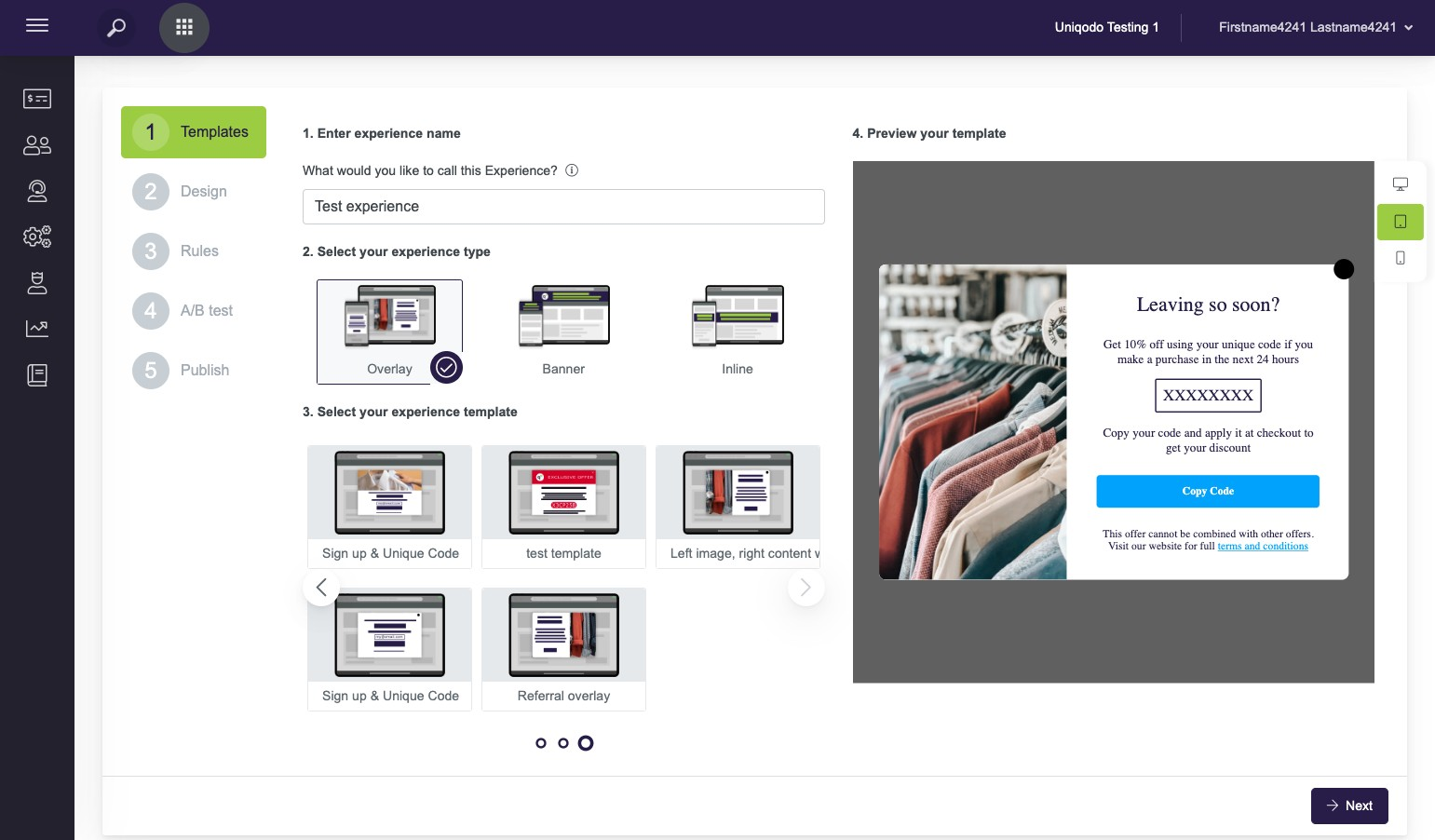
Here you will be able to use the editor to customise the overlay that will be shown to the referrer to allow them to share or copy their unique referral link
You are even able to edit the email subject and body that is pre-populated for the referrer when they choose to share by email 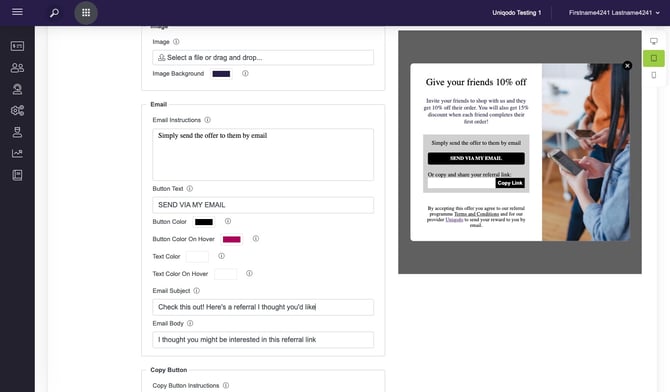
Use the "Display Rules" to set up when you want the overlay to show to the referrer.
We recommend displaying on the confirmation page once a user has made a purchase. To do this Select the "Data Layer" Category and then "Order Confirmation Page". Add 'True' to the is equal to field. Continue and finish the set up of the experience.
Tip! Add a delay to make sure that the overlay doesn't clash with the information on the confirmation page straight away.
Finally learn about distributing codes to Friends and Referrers