
Common Details for All Templates:
Image Format: Use PNG format for all templates.
For logos, a PNG with a transparent background works best because:
-
It looks clean on any background—no white box behind the logo.
-
It stays clear and crisp, even if resized or saved multiple times.
Group 1: Overlay Templates
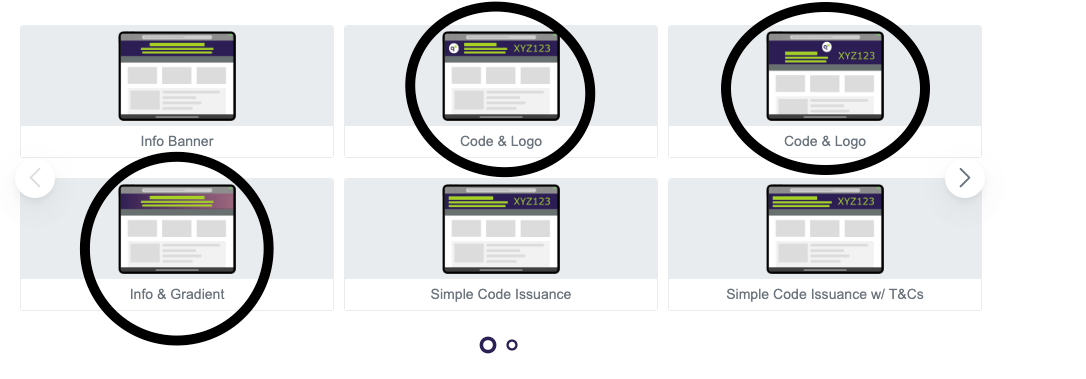
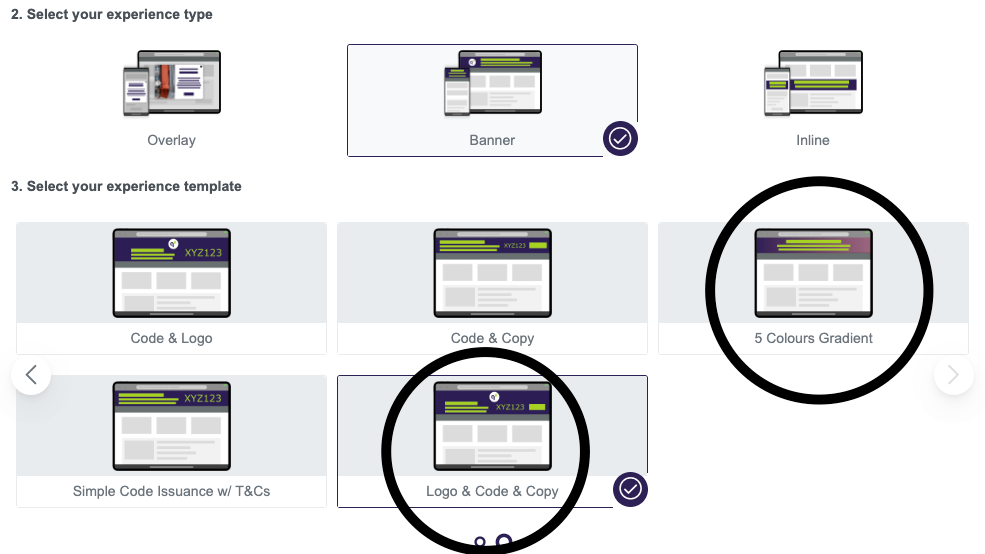
Recommended Image Size: 200px by 150px for standard displays. Consider providing images with double dimensions (400px by 300px) for optimal clarity on high-resolution screens.
Aspect Ratio: 4:3 (200px wide by 150px high or 400px by 300px).
Group 2: Overlay Templates
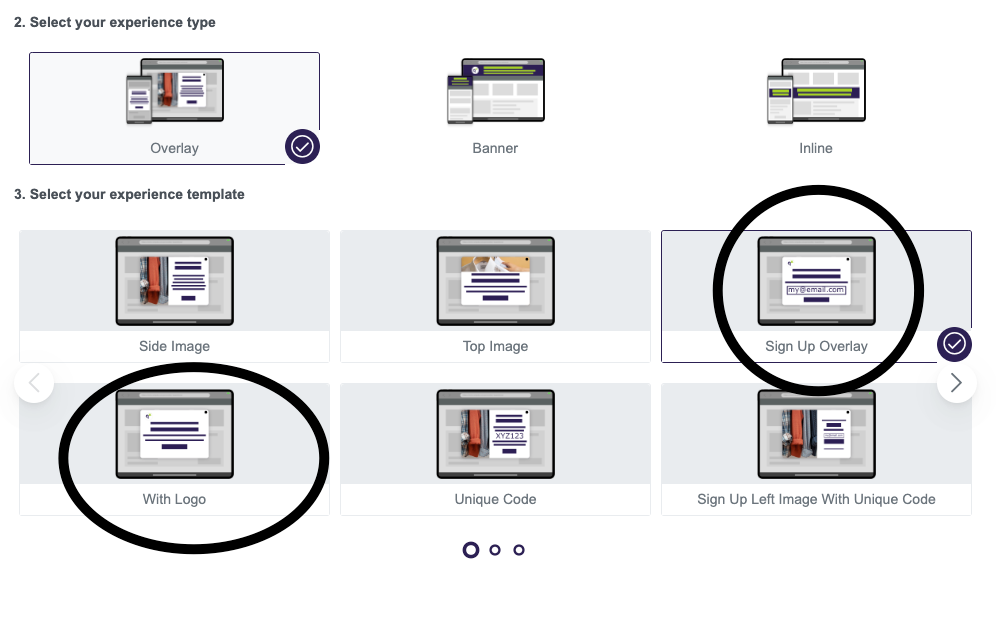
Recommended Image Size: Maximum width of 150px and maximum height of 80px. Provide a logo with double dimensions (300px width by 160px height) for clarity on high-resolution screens.
Group 3: Overlay Templates
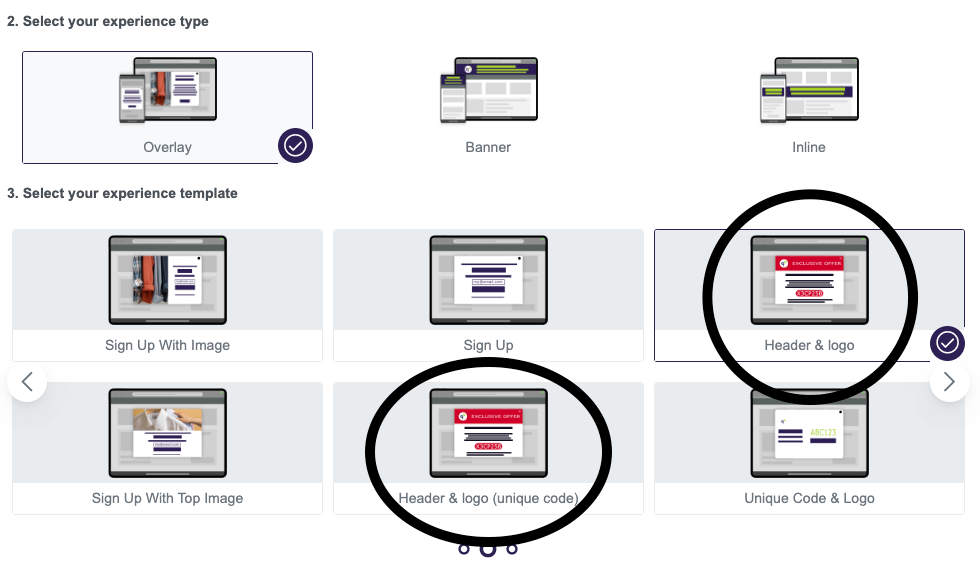
Recommended Image Size: Start with around 160px in width (80% of 200px container width) for standard displays. For high-resolution displays, consider 320px in width for optimal clarity.
Group 4: Overlay Templates
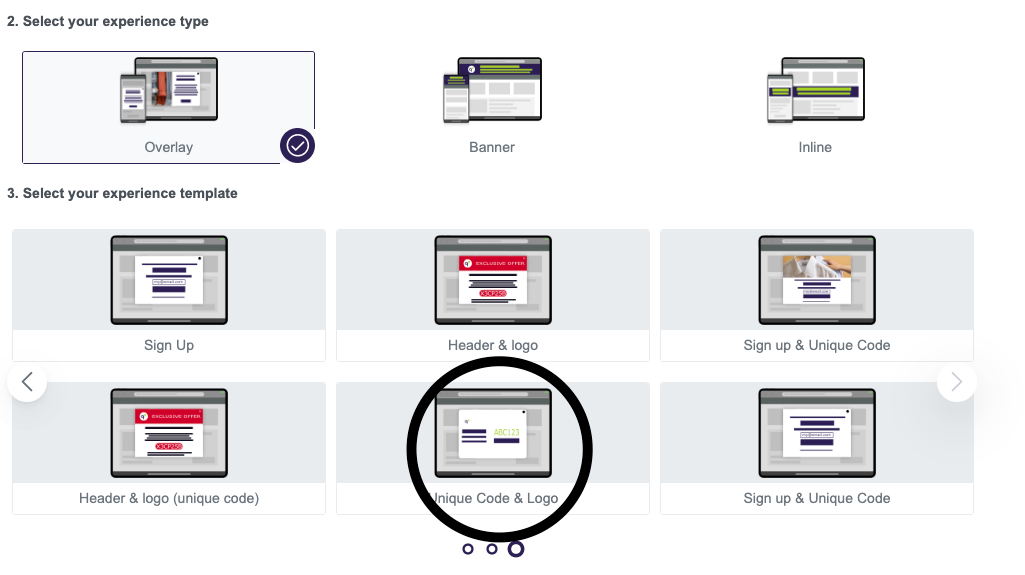
Recommended Image Size: Consider providing images with double dimensions (400px by 400px) for improved quality.
Group 5: Overlay Template
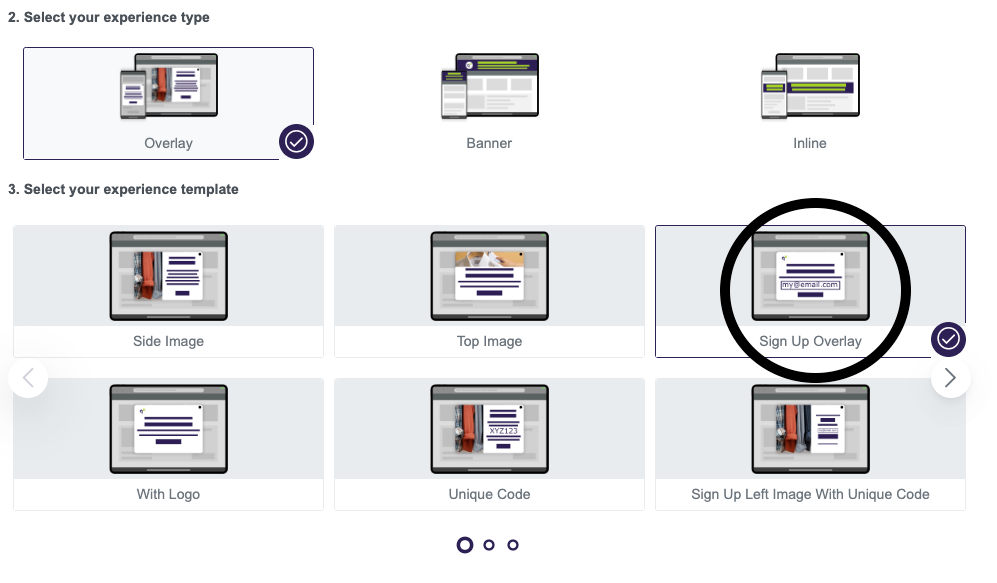
Logo Size: Provide images with double dimensions (300px by 160px) for better quality.
Please note: This guide is based on the current template setup—if the templates change in the future, some info here might no longer apply.