
Introduction
The Product Catalogue within Uniqodo’s promotion engine enables businesses to manage and target promotions based on specific products, categories, or attributes. By integrating a structured product dataset, you can refine your promotional strategies, ensuring that discounts and offers apply only to relevant products.
This feature allows for greater control and precision, enabling tailored promotions that enhance customer experience while maintaining business objectives. Whether you need to exclude certain items from discounts, set up category-based offers, or apply rules based on product attributes, the Product Catalogue provides the flexibility to execute these strategies efficiently.
In this guide, we’ll cover how to set up and manage Uniqodo’s Product Catalogue to optimise your promotional campaigns.
Prerequisites
Please ensure you are integrated with us using Uniqodo’s Promotion Engine Version 2 API.
Importing and Making Changes to the Product Catalogue
These steps will walk you through how to add and update your Product Catalogue on our platform.
Getting Started
-
Visit https://your.uniqodo.com/
-
Log in to your account.
-
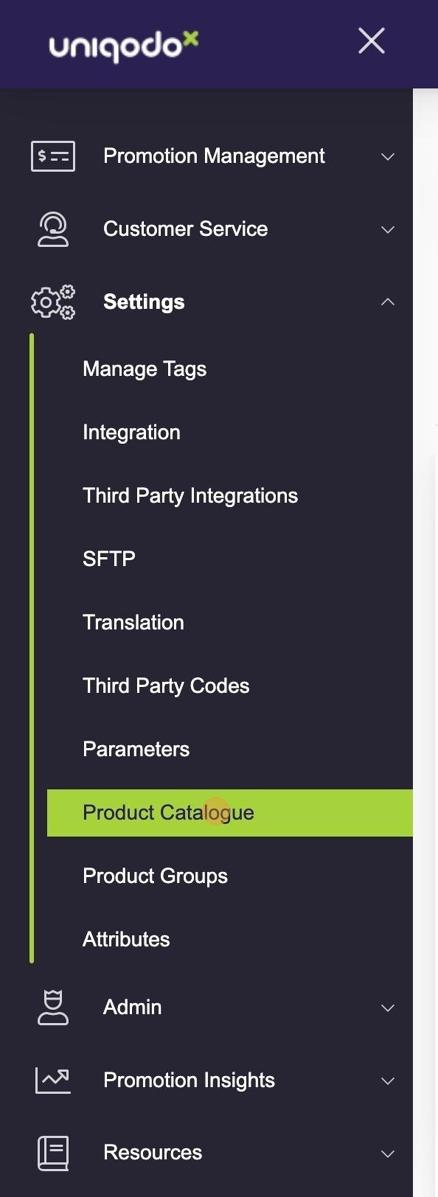
In the left-side menu, click Settings.

Then select Product Catalogue.
Importing a New Product Catalogue
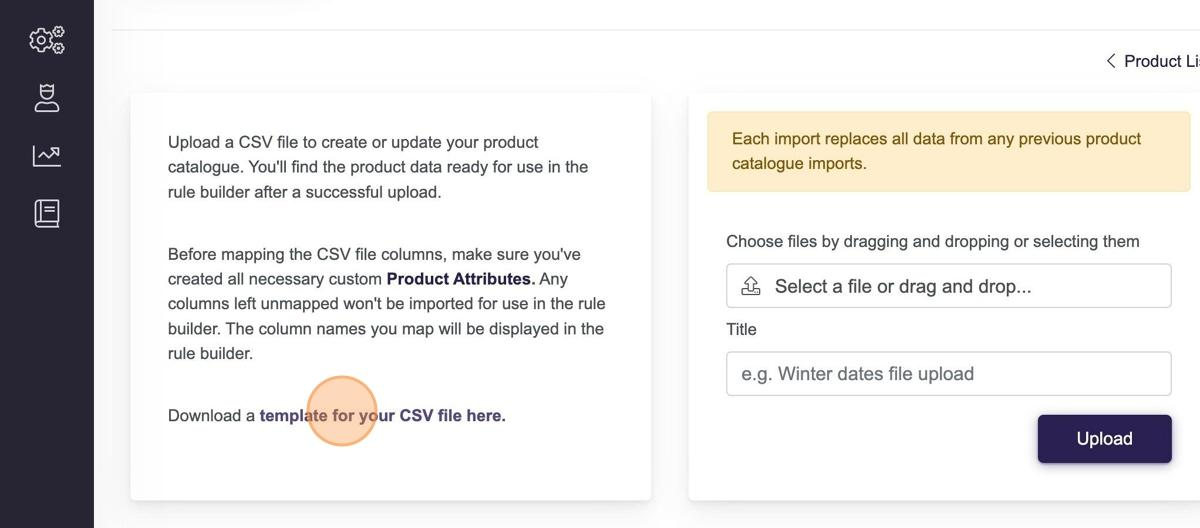
If you're uploading a Product Catalogue for the first time, we recommend downloading the CSV file template by clicking the highlighted text below. This will ensure your data is imported with the correct headers and that all your custom attributes are included. See https://docs.uniqodo.com/docs/attributes
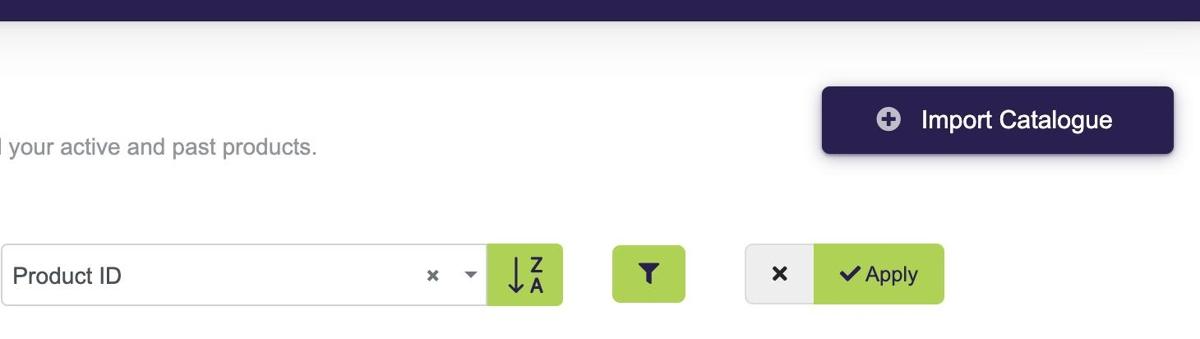
Here, you can see that a Product Catalogue has already been imported. However, to make changes, you'll need to upload an updated version using a .csv file.
To do this, click Import Catalogue in the top right corner.
Making Changes to an Existing Product Catalogue
To update your Product Catalogue, follow these steps:
-
Transfer your Product Catalogue data into our .csv file template (see the example in Step 6).
-
Make the necessary changes.
-
Upload the updated .csv file to our platform using the Import Catalogue method.
Important: Clicking Upload will overwrite your existing Product Catalogue with the new file. Ensure your .csv file includes the complete catalogue with all required updates before proceeding.
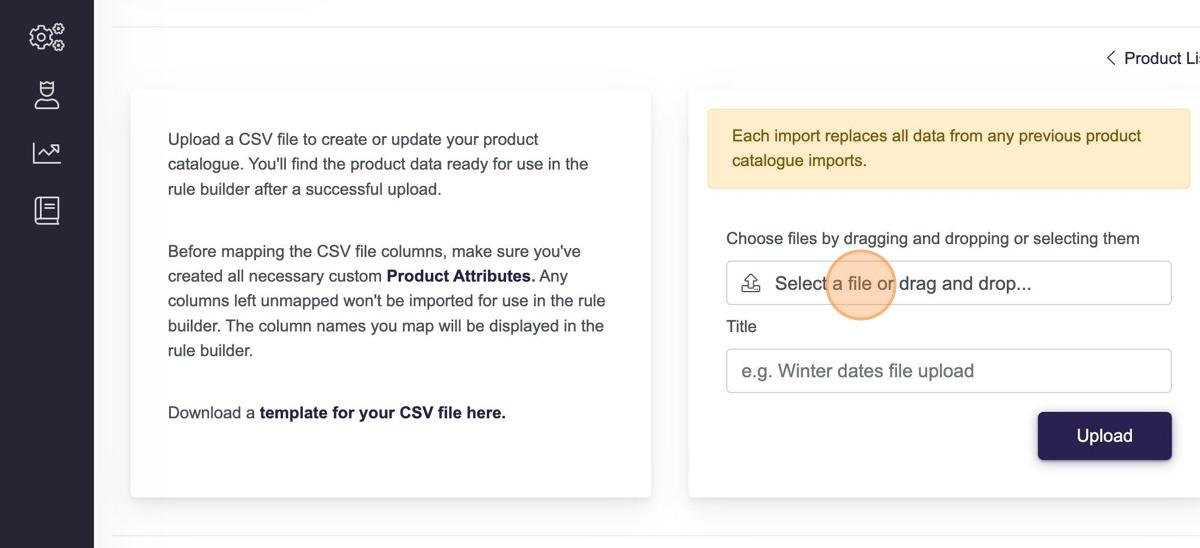
Important: Clicking Upload will overwrite your existing Product Catalogue with the new file. Ensure your .csv file includes the complete catalogue with all required updates before proceeding.
Summary
Uniqodo's Product Catalogue enables businesses to create targeted promotions based on specific product data, improving customer experience and business outcomes. By integrating with Uniqodo's Promotion Engine and importing product data, businesses can apply tailored discounts and rules based on product categories and attributes.